
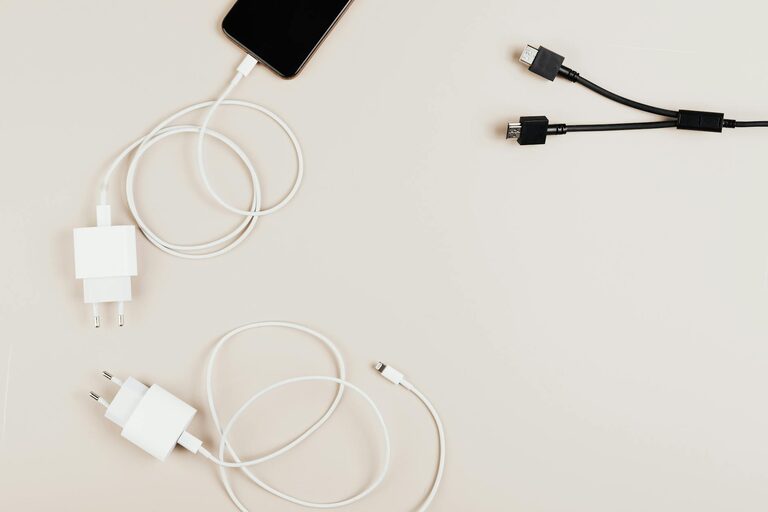
Keeping cables and chargers organized can seem like a never-ending challenge. With so many devices to charge and wires to manage, it’s easy for cables to become tangled or misplaced. The good news is that with a few simple strategies and tools, you can keep your cables neat, accessible, and clutter-free. In this post, we’ll explore actionable tips to help you organize cables and chargers effectively whether at home, in the office, or on the go.
Why Organize Cables and Chargers?
Before diving into solutions, it’s worth understanding the benefits of organizing your cables:
– Saves time: No more searching for the right charger or untangling knots when you need them.
– Increases safety: Prevents tripping hazards and reduces the risk of damage to wires.
– Protects devices: Proper storage helps extend the life of chargers and cables.
– Enhances aesthetics: A tidy space looks more inviting and promotes productivity.
Step 1: Declutter and Sort Your Cables
Start by gathering all your cables and chargers from different rooms or drawers. Place them in one spot for an easy overview. Next:
– Identify what you actually use: Get rid of duplicates, broken cables, or obsolete chargers. Recycle unusable items properly.
– Sort by type and length: Group cables by purpose (e.g., phone chargers, USB cables, HDMI cords) and separate them by length or frequency of use.
– Label your cables: Use simple labels or colored tape to mark which device each cable belongs to.
Step 2: Choose the Right Storage Solutions
Once sorted, the next step is deciding how to store your cables to keep them neat and accessible.
Simple at-Home Options
– Zip ties or Velcro straps: Bundle cables individually with reusable Velcro strips or zip ties to prevent tangling.
– Drawer organizers: Use small bins or dividers inside drawers to separate different types of cables.
– Mason jars or cups: Stand up cables or chargers inside jars to keep them visible and upright.
For Desk or Workstations
– Cable clips: Attach clips to the edge of your desk to hold charging cables in place and prevent them from falling.
– Cable management boxes: Hide power strips and bulky chargers inside boxes designed to contain cables neatly.
– Cable sleeves: Use flexible sleeves to bundle multiple cables running in the same direction, reducing visible clutter.
Step 3: Wrap Cables Properly to Avoid Damage
How you coil your cables affects their lifespan. Here are some wrapping techniques that reduce strain:
– The Over-Under Method: This technique alternates the cable’s twist direction to prevent kinks and tangles.
– Figure-eight wrap: Creates a compact shape that is easy to secure and store.
– Use soft ties: Avoid tight knots or rubber bands that can pinch cables and damage the wires inside.
Step 4: Keep Chargers Together and Accessible
Chargers, especially those with bulky adapters, need their own system.
– Use a charging station: A multi-port station can power several devices in one spot, reducing the number of loose chargers.
– Designate a charging drawer or basket: Keep frequently used chargers together so you always know where to find them.
– Portable organizers: For travel, use a pouch with compartments designed for chargers and cables. This keeps everything in one place and prevents jumbles.
Step 5: Maintain Your Cable Organization System
Organization is an ongoing process. Develop habits that help maintain order:
– Return cables to their designated spots after use.
– Regularly review your collection and remove unused items.
– Label additions clearly as you get new cables or chargers.
Bonus Tips for Keeping Your Space Tidy
– Use wireless charging when possible to reduce cables.
– Consider charging devices overnight in a dedicated station instead of scattered around.
– Take a few minutes weekly to tidy your cables and adjust storage as needed.
Conclusion
Organizing cables and chargers does not have to be overwhelming. By sorting, labeling, and choosing the right storage methods, you can keep your tech essentials neat and ready whenever you need them. A little effort upfront makes a huge difference in reducing clutter, protecting your devices, and improving your space’s overall look and feel.
Try these tips today and enjoy a tidier, more efficient charging setup!